Samsung Washer 5C Code: Drain Filter and Hose Checks
Contents
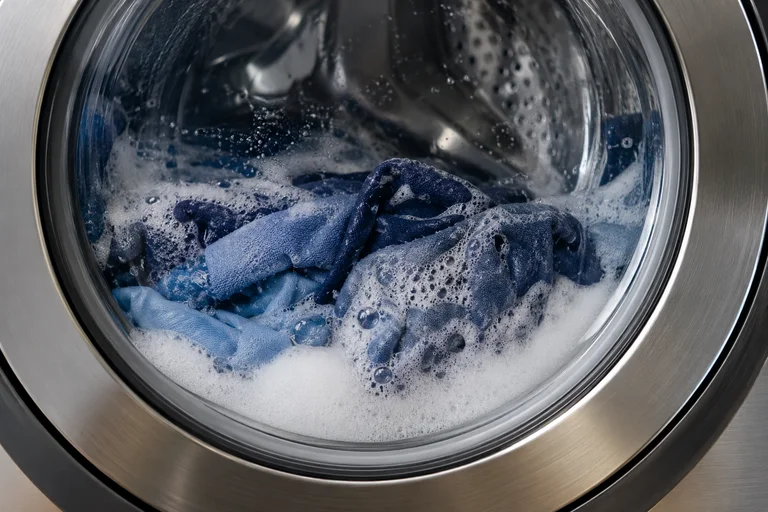
Samsung 5C or 5E means water is not draining properly. Check the accessible hose and use the correct residual-water procedure before filter cleaning.
Samsung washers whose display and matching regional manual identify 5C/5E as a drainage warning. Filter designs and installation instructions vary by model and market; the U.S. top-load/front-load distinction applies to the models covered by Samsung’s U.S. no-drain guide.
Switch off and isolate the appliance before maintenance. Let hot water cool. Drain residual water using the model procedure before loosening a filter; do not force the door.
What the 5C code means
Samsung’s U.S. washer code list identifies 5C and 5E as no-drain errors; 4C and 4E concern filling instead. The exact display can vary by model. A 5C code points to drainage trouble, but it does not prove that the pump has failed. See Samsung’s code definitions and the manual for the full model number.
Check the visible drain hose first
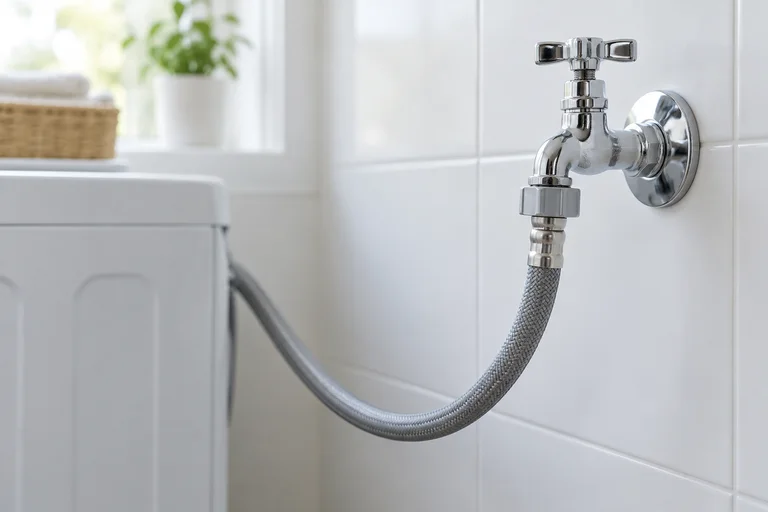
Look for an obvious kink, trapped section or damage without pulling a stacked washer or straining its connections. Samsung’s U.S. no-drain checks also stress correct hose installation. Use the exact model manual for height, insertion depth and connection details; measurements differ between models and markets.
If the outlet is concealed or the washer cannot be accessed safely, arrange help rather than moving it alone. A blocked household drain and an appliance fault call for different checks.
Identify the filter arrangement before opening it
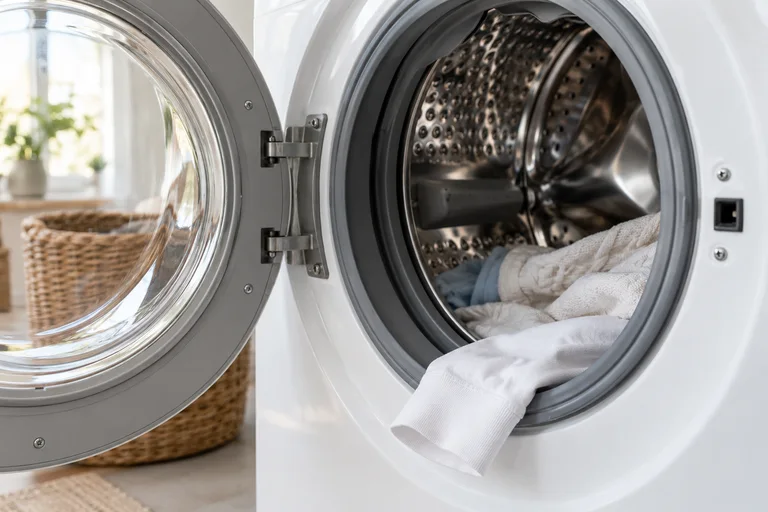
Samsung UK’s illustrated procedure uses a small emergency drain hose to release retained water before the pump filter is removed. Follow that sequence only if your model has the same arrangement. Samsung’s U.S. no-drain guidance treats pump-filter cleaning as a front-loader step; it says the top-loaders covered by that guide do not have a removable pump filter.
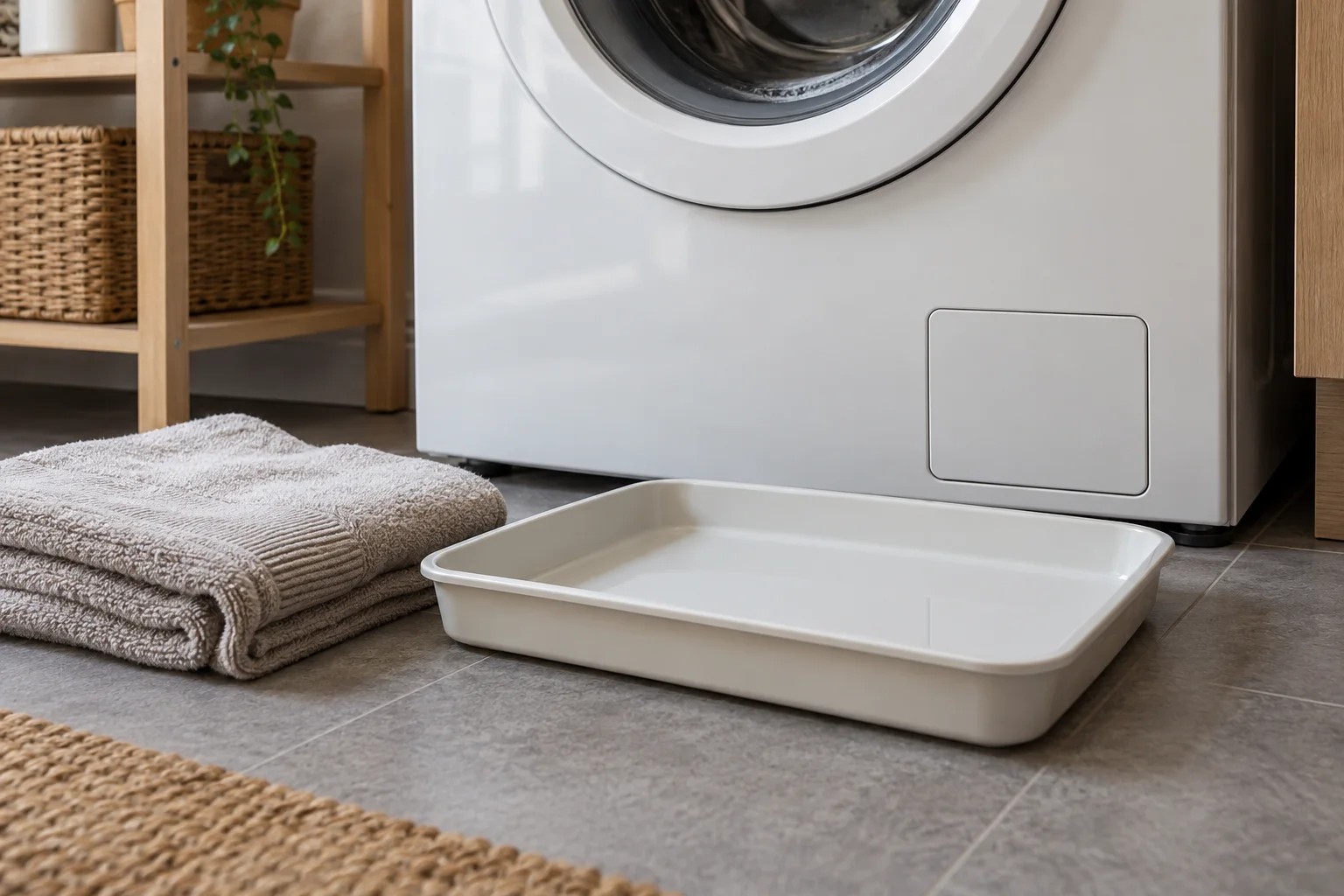
Switch off and isolate the washer before maintenance, let hot water cool, and use the model’s residual-water procedure. Keep a shallow container and towels ready. Never assume the drum is empty or force a panel that does not match the manual.
Refit the parts and check the result
After owner maintenance allowed by the manual, secure the filter and drain-hose cap as specified before restoring power. If drainage still fails or a connection leaks, stop and contact Samsung support. Record what you found and whether the warning returned; clearing the display alone does not confirm the cause has been fixed.
Frequently asked questions
Is 5C a water-inlet error?
Samsung lists 5C/5E as drainage warnings. Its 4C/4E family concerns filling.
Can I open the filter immediately?
Use the safe residual-water procedure first and allow hot water to cool. The correct access arrangement depends on the model.
Does a clean filter rule out every drainage problem?
No. A clear filter does not establish that the rest of the drainage path or pump is working correctly.
Check the original documents
Sources
- Samsung UK: 5E/5C drainage
5C/5E meaning, emergency drain and filter sequence on illustrated UK designs
- Samsung USA: Washer information/error codes
US code families: 5C/5E no drain; 4C/4E not filling
- Samsung USA: Washer will not drain
US-specific hose checks, front-loader filter scope and safe drainage context
Sources checked on 2026-10-21. Follow the instructions for your exact model.