
Samsung Washer LC Code: Leakage and Water-Level Checks
Contents
Samsung LC is a water-level or leakage warning. Look for visible water safely, check the exact model and avoid assuming the sensor needs replacing.
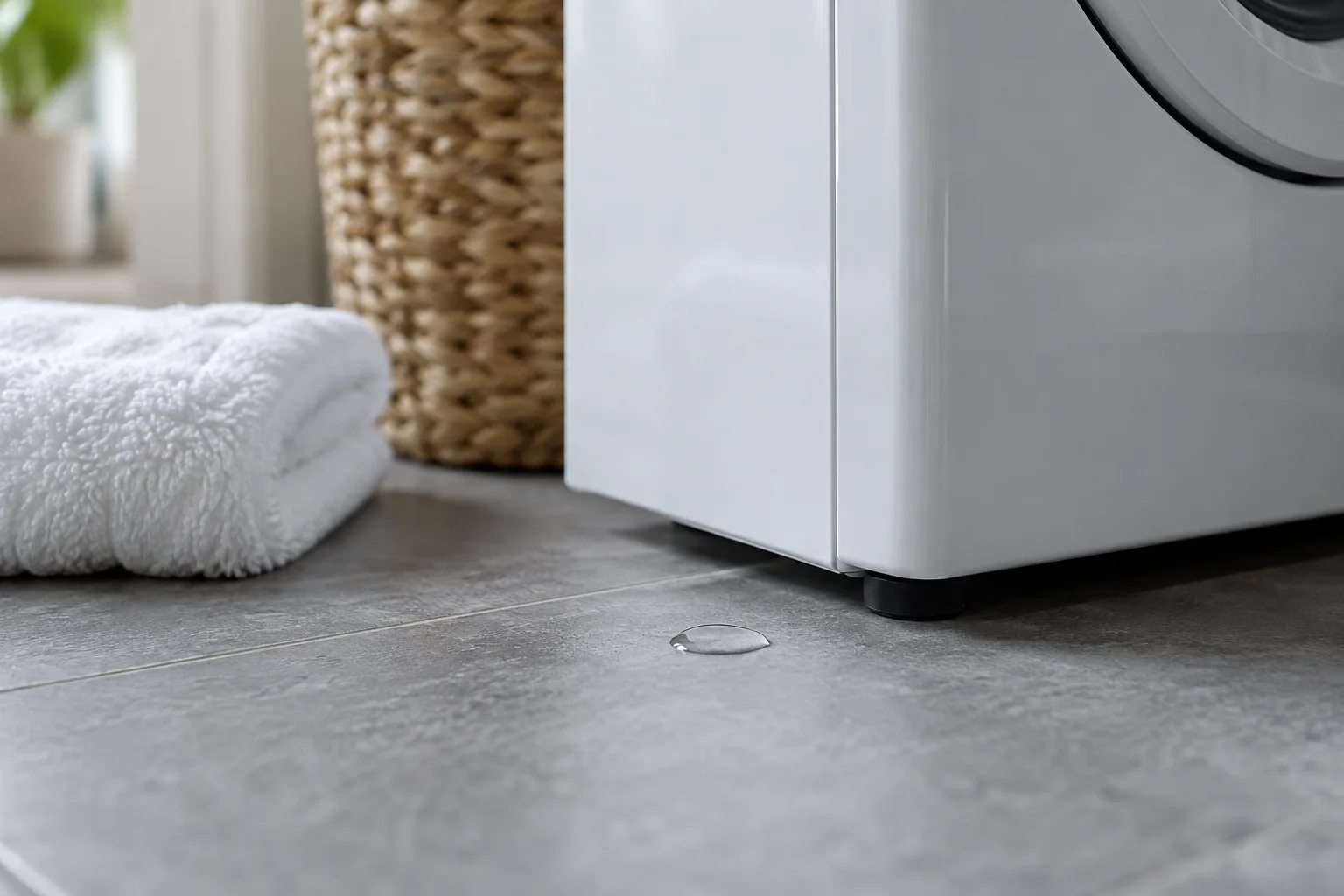
Samsung washers whose manuals identify LC/LC1 with water-level or leakage monitoring. Washer guidance must not be substituted for Samsung dishwasher LC instructions.
Stop operation if water is escaping. Close the supply only from a safe, dry position and avoid wet plugs or outlets. Do not tip or open the machine to clear a sensor.
LC needs a water-level or leakage check
Samsung groups LC with water-level and leakage warnings in its US washer code reference. The appliance may detect moisture where it is not expected, or there may be a sensing problem. A dry-looking floor therefore does not prove that the warning is false.
Confirm that the instructions are for a washing machine. Samsung dishwashers can display similar letters, but their construction and troubleshooting paths are different. Record the washer's complete model number and exact message, including any additional digit, before choosing a procedure.
Make an active leak safe before investigating
If water is escaping, stop the washer and close the supply taps when they are safely accessible. Disconnect power only from a dry, safe position. Do not reach across water to a plug, pull a heavy washer out while connected or keep restarting a leaking appliance to find the source.
Keep children and other people away from the wet area. If you cannot safely isolate the appliance, obtain assistance. The first objective is to prevent further water and electrical exposure; finding a component name can wait until the appliance and surrounding area are safe.
Note where the water first appeared
Samsung's leak troubleshooting page separates checks by location. Describe whether water was first noticed at the door, dispenser, visible hose connection or underneath. Water that has spread across the floor may no longer identify its starting point, so distinguish an observed drip from a puddle found later.
On a front-loader, Samsung distinguishes a few drips after opening the door from leakage while it is closed. Record when the moisture appeared. That detail helps avoid treating normal residual water from an opened door as evidence of a seal failure during washing.
- Photograph the warning and any safely visible leak location.
- Note the programme stage when the leak or LC message appeared.
- Record recent installation, moving or hose work.
- Mention whether the door was open or closed when water was first seen.
Inspect accessible hoses without disturbing the installation
The manufacturer asks owners to check hoses and connections for visible damage and incorrect routing. Look only where access is safe. Do not disconnect a supply hose while it is pressurised, and do not crawl behind a running appliance to follow a drip.
Samsung's code guidance also cautions against removing the screw that retains the drain hose. Do not change the hose arrangement in an attempt to defeat the warning. Installation height and routing must come from the model's instructions, not from a photograph of a different washer or an assumed standard measurement.
Include detergent and loading observations
Samsung includes detergent checks in its water-level and leakage guidance. Tell support what product and amount were used and whether unusual foam appeared. Do not add more detergent, cleaner or water as an experiment while the cause remains unknown.
For a front-loader, note any clothing visibly caught at the door and any obvious damage noticed during normal loading. Do not force the door while it is locked or remove the seal to investigate. An external observation can guide the next check, but it does not establish that the seal, sensor or another internal part needs replacement.
When there is no visible leak
Report that the floor and accessible connections appear dry rather than claiming that no leak exists anywhere. The code family also covers sensing concerns, and internal areas cannot be assessed through an external glance. A recurring LC warning after the permitted owner checks needs model-specific service.
Do not tip the washer to clear moisture or bypass a sensor. A warning that disappears after moving the machine does not explain where moisture came from or establish that the original condition is resolved. Preserve the history and let service investigate it.
What to send when booking service
Provide the model, code, photographs, leak location if known and the checks already completed. State whether water is still escaping or the machine has been isolated. Ask which finding supports the proposed repair and how the appliance will be checked afterward. Clear observations help a technician choose the appropriate investigation without turning a general LC description into an unsupported diagnosis.
Frequently asked questions
Does LC always mean a leak is visible?
No. Samsung also describes a sensing issue in this warning family.
Can I follow dishwasher LC instructions?
Use washing-machine documentation for the correct model. Similar letters do not establish the same appliance construction or repair.
Should I tip the washer to clear the warning?
Do not use tipping as a reset. Investigate the cause safely through the model instructions or service.
Check the original documents
Sources
- Samsung USA: Washer information/error codes
LC water-level/leakage meaning, hose and detergent checks
- Samsung USA: Washing machine leaking
Visible leak troubleshooting by location
Sources checked on 2026-10-25. Follow the instructions for your exact model.