
Samsung Washer UE or Ub: Unbalanced Spin Checks
Contents
Samsung UE or Ub indicates an unbalanced load. Redistribute the laundry safely, check the cycle and confirm that the washer is stable.
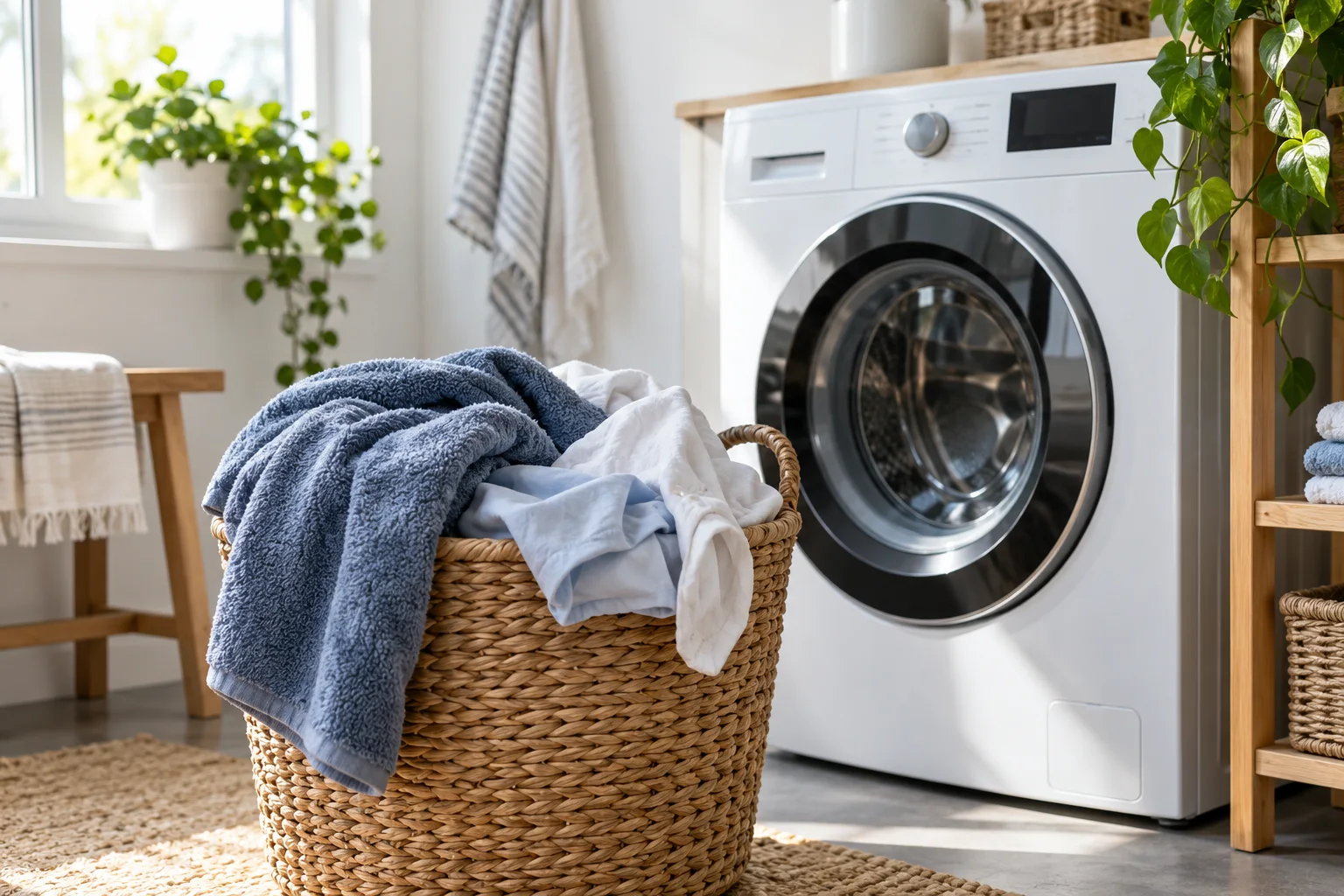
Samsung washers using UE/Ub for imbalance. US, UK and India pages cover different examples; controls and calibration procedures must match the model.
Pause the washer and wait for the drum and door lock to release safely. Never reach into a moving drum or hold a shaking machine during spin.
UE or Ub means the washer cannot balance the load
A Samsung washer displaying UE or Ub has detected an unbalanced load and may stop spinning. The first useful checks concern the laundry, selected programme and installation. The message alone does not prove that the motor or suspension needs replacing.
Confirm the characters before choosing a remedy. Samsung's US code reference distinguishes Ur, a balancing retry, from an imbalance that needs attention. A retry can extend the displayed time. A changing countdown therefore needs to be interpreted with the actual message and what the machine is doing.
Redistribute laundry without forcing the door
Pause the programme and follow the model's instructions for opening the lid or door. Wait for movement to stop and the lock to release. Do not pull against a locked door or attempt to reach into a moving drum. Samsung's UE/UB instructions also require switching off and unplugging before the adjustments described there.
Look for laundry gathered on one side or wrapped into a single heavy bundle. Separate and spread the items evenly. Remove excess laundry if the load exceeds the programme's allowance. A drum that physically holds the items is not proof that the selected cycle permits that quantity or type of fabric.
- Check whether one bulky item dominates the load.
- Untangle bedding or clothing that has collected into a bundle.
- Make sure fabric is fully inside and not trapped in a front-loader's door.
- Use the manual's load limit for the selected programme, not a figure from a different machine.
Match the programme to the items
The programme choice matters alongside distribution. Bedding, covers and ordinary clothing do not necessarily share the same load or spin limits. Samsung's regional instructions give particular bedding examples, but those figures should not be treated as universal capacities for every Samsung washer.
Choose the programme listed for the fabric in your own manual. If a balanced ordinary load spins but a particular bulky item repeatedly causes trouble, keep that distinction in your notes. It gives support more useful information than saying the machine never spins.
Check stability before changing settings
Samsung recommends a flat, stable installation with all four feet properly supported. A machine that rocks needs its installation checked. Do not improvise wedges or adjustment procedures from a different design, and do not pull a heavy washer out while hoses or cables remain under strain.
If the machine was recently installed or moved, use the installation section of the exact manual. Samsung's UK spinning guidance also discusses installation and calibration. Calibration controls vary, so a button combination shown for another control panel is not a dependable instruction for yours.
Use the right visual demonstration
For a top-loading model, Samsung provides an official Ub explanation and video. It is useful for understanding how uneven laundry distribution and an unstable installation relate to the warning. Follow your own manual for the actual controls and adjustment method.
A video demonstrating a top-loader should not be used to infer internal access or suspension parts on a front-loader. Stop at the owner-level checks shown in matching documentation. A clear external demonstration is helpful; an unrelated teardown is not a reason to dismantle the washer.
When load changes are not enough
If the warning returns with suitable, evenly distributed laundry and a correctly installed machine, arrange support. Report whether it happens on every programme, only during the final spin or only with particular items. Include the model, displayed code and any unusual noise or movement.
If water remains in the drum or a separate drainage message appears, report that separately. A machine failing to spin is not automatically experiencing imbalance. Likewise, a repeating code after a restart is a reason to investigate, not to keep raising spin speed or repeating the cycle. Stop using a washer that moves dangerously, leaks or develops an electrical concern, and obtain service advice before further testing.
Frequently asked questions
Does UE prove a suspension failure?
No. Load distribution, programme choice and installation need to be considered before diagnosing internal parts.
Why does the remaining time increase?
During the Ur retry behaviour documented by Samsung, balancing attempts extend the cycle. Confirm the displayed code rather than assuming every delay has that cause.
Can I use any Samsung calibration shortcut?
No. Use the calibration instructions for the exact model and control panel.
Check the original documents
Sources
- Samsung India: UE/UB imbalance
UE/UB imbalance and safe loading/stability checks
- Samsung UK: Washer not spinning
Model-specific spin, installation and calibration checks
- Samsung USA: Washer information/error codes
Ur retry and model-dependent dC
- Samsung India: official top-load Ub video
Top-load load distribution and installation explanation; linked video, not copied media.
Sources checked on 2026-10-25. Follow the instructions for your exact model.