LG Washer UE Code: Balance the Load and Check Leveling
Contents
LG UE indicates an unbalanced load. Check how the laundry is distributed, the selected cycle and washer leveling before assuming a repair is needed.
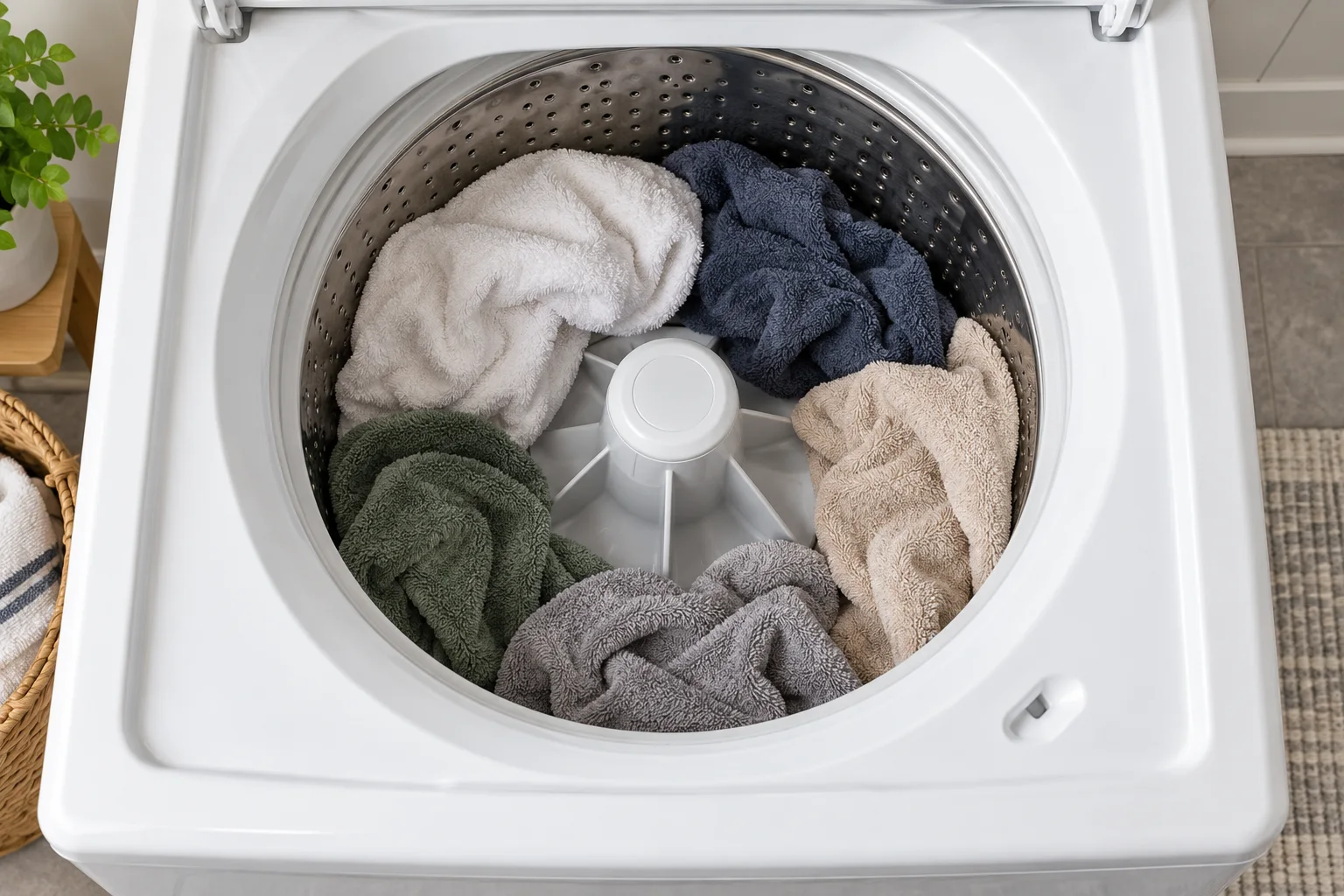
LG front-load and top-load washing machines. Lowercase uE, uppercase UE and Ub behaviour varies by control family; cycle and leveling instructions must match the model.
Pause the cycle and wait for the drum to stop and the door or lid to release. Do not defeat a lock or reach into a moving drum. Use the installation instructions for any leveling adjustment.
Start with the laundry, not a replacement part
A load concentrated on one side can prevent the washer from balancing for spin. LG's front-load UE advice also identifies loads that are too large or too small.
Pause the machine and redistribute the items once access is safe. Choose a cycle suitable for the fabric and load. Check both the garment care label and appliance manual before putting bulky or water-resistant items back in.
Why uE can change to UE
On the top-load sequence described by LG’s UE/Ub support page, the washer attempts to rebalance the laundry. Lowercase uE changing to uppercase UE means those attempts have not succeeded and assistance is needed.
Do not transfer that exact display sequence to every LG control panel. Photograph the message, including letter case, when asking for model-specific help.
Check stability if ordinary loads keep failing
A washer that is not level can also produce an imbalance warning. With the appliance stopped, use its installation instructions to check the supporting feet and front-to-back and side-to-side level.
Avoid repeatedly changing spin settings to compensate for a machine that rocks. If accessing the feet requires unsafe lifting or moving a stacked installation, have the installation checked.
Separate a difficult load from a recurring fault
LG’s top-load troubleshooting includes an empty Rinse and Spin check for the models covered by that page. A repeated warning during that check is a reason to request service. A front loader may have a different diagnostic sequence, so use its matching instructions.
Keep a short record of which loads fail: one heavy item, mixed laundry or every cycle. Include any unusual knocking and whether the appliance was recently moved.
Adjust the load to the problem you can see
An imbalance check is about distribution as well as quantity. A large amount of laundry packed tightly and a small load dominated by one heavy item present different situations. Do not respond to both by automatically adding more clothes.
Once the washer has stopped and access is safe, separate items that have gathered together and spread the load as the manual directs. If it is overloaded, remove some laundry. If a very small load needs balancing, use compatible items and stay within the instructions for that cycle. The garment care labels still apply; a balancing attempt does not make an unsuitable item safe to machine-wash.
For bulky bedding, check the appliance’s permitted load and programme before restarting. Selecting a normal clothing cycle simply because it is familiar may not match LG’s guidance for that item. Keep a note of the item and cycle if the warning persists, rather than repeatedly rearranging the same difficult load without changing the relevant conditions.
Check leveling independently of the laundry
If the washer was recently installed or moved, review the installation before assuming an internal part has failed. The appliance should be supported according to its leveling instructions. A load adjustment cannot correct an installation that remains unstable.
Do not place improvised objects under a foot or lean a running washer to judge its balance. Use the stopped-appliance checks in the installation manual. Where the feet cannot be reached safely, an installer can check the support and locking arrangements without making the owner move a heavy machine.
Understand the purpose of the empty-cycle check
For the top-load models covered by LG’s linked troubleshooting, an empty Rinse and Spin cycle separates a laundry-related event from a warning that also occurs without a load. If UE/Ub returns during that prescribed check, LG directs the owner to repair service. If it does not, the next checks concern loading, leveling and cycle selection.
This result is useful evidence, not a universal diagnostic certificate for every LG washer. Follow the appropriate front-load or top-load instructions and tell support which test was performed. Do not transfer a top-loader control sequence to an unrelated front-loader panel.
Use the exact letters when comparing warnings
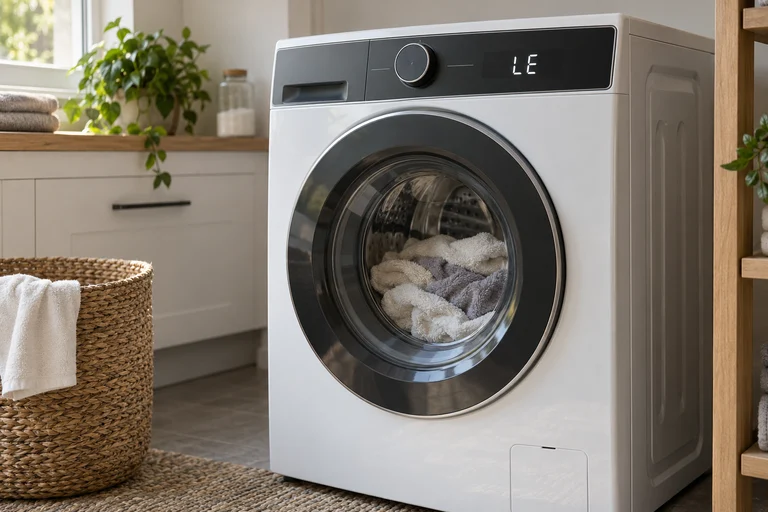
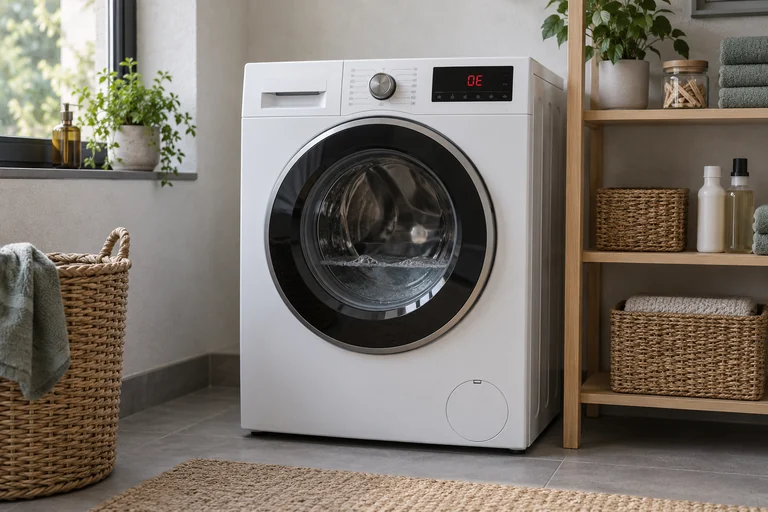
UE concerns balance. If the display actually reads OE, the relevant next steps are the LG drainage checks. A motor-related LE warning is also a different starting point.
Do not choose a repair because the last letter looks familiar. A clear photograph and the full model number help prevent that confusion.
Frequently asked questions
Is UE caused only by too much laundry?
No. LG also describes very small or unevenly distributed loads, unsuitable cycle choices and leveling problems.
Should I keep restarting the same load?
Redistribute it and check the cycle and loading instructions first. If the same problem continues with ordinary loads, follow the model-specific troubleshooting or request service.
Does uppercase UE mean a broken motor?
The displayed warning does not prove that. On the documented top-load sequence it means the washer could not rebalance the load.
Check the original documents
Sources
- LG USA: Front load washer UE
Front-load imbalance, too much or too little laundry, cycle/loading and leveling
- LG USA: Top load UE/Ub
Top-load uE/UE sequence, empty Rinse and Spin and repair escalation
Sources checked on 2026-10-25. Follow the instructions for your exact model.
Compare the available guides: LG washer error codes.