
Samsung Washer dC Code: Door or Unbalanced Load?
Contents
A Samsung washer dC code can refer to the door or an unbalanced load. Use the model manual to choose the right checks before assuming a part has failed.
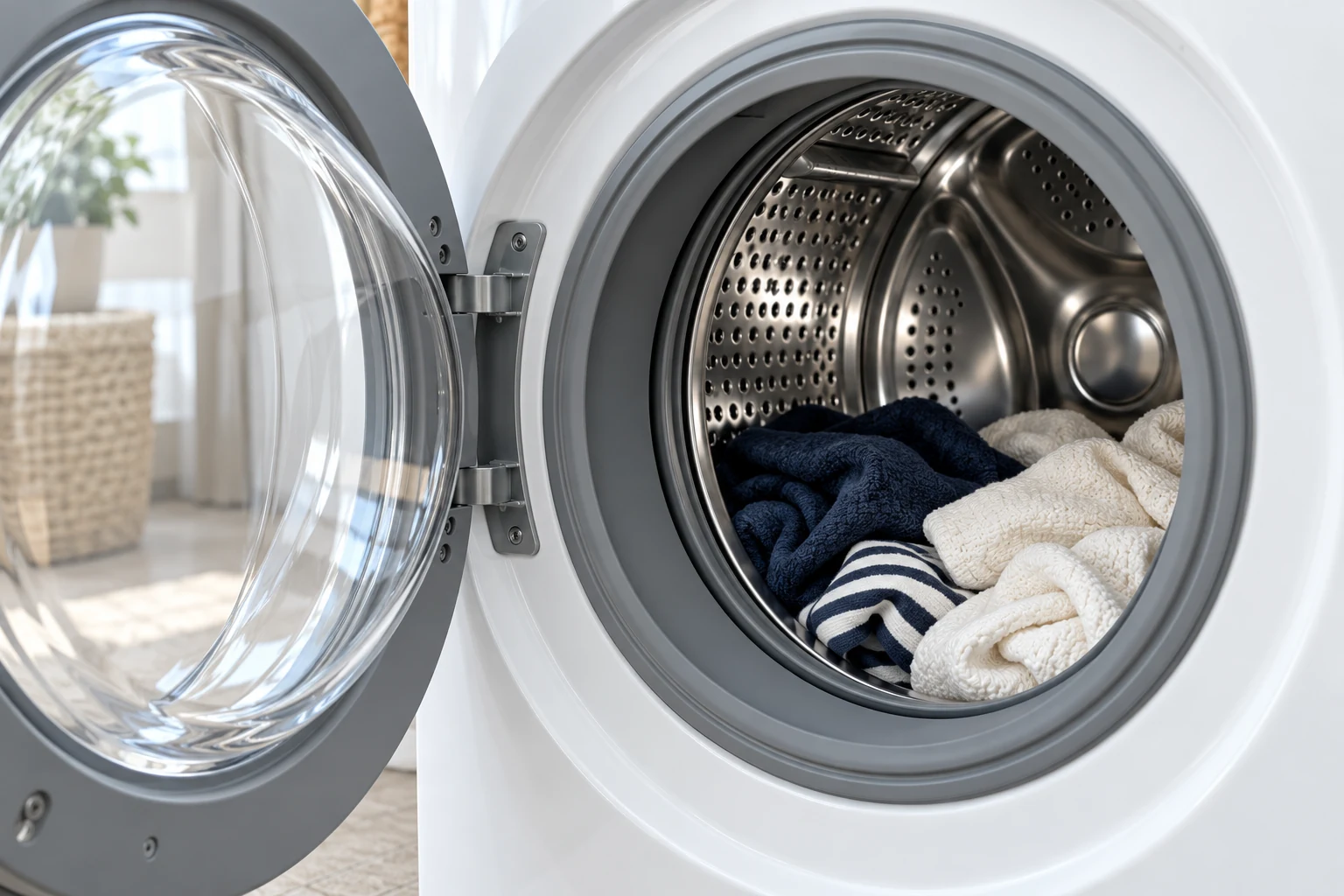
Samsung washing machines displaying dC/dc. Meaning varies by model and market. This covers external owner checks, not lock replacement or internal diagnosis.
Wait for movement to stop and the lock to release. Switch off and unplug before handling the door opening. Do not force the door, bypass the lock or remove panels.
Match dC to the model before choosing a fix
Samsung uses dC for more than one condition. Its US error-code reference explicitly lists both a door warning and an unbalanced-load warning, depending on the model. The letters alone therefore cannot tell you whether to check the closure or the laundry distribution.
The useful starting point is the information-code table in your washer's own manual. Record the complete message, including any extra digit or letter. A photo of the display can help support distinguish dC from similar-looking codes.
Find the right manual
Copy the full model code from the product label, rather than searching only for a capacity or a feature name. Samsung's label-location guide places this information inside the door area on front-loaders and at the back on top-loaders. Use the label only if it is safely accessible; do not pull a heavy appliance out just to photograph it.
Match that code to the manual for the country where the washer was sold. Then choose the appropriate route:
- Door or door-lock wording: inspect the accessible closure and check for trapped fabric.
- Unbalanced-load wording: check the laundry distribution and installation guidance.
- A different code or an unclear description: ask Samsung to identify it before ordering parts.
If your manual identifies a door warning
Samsung's UK code table groups dC, DC, DC1, dE and dE1 under door issues. It recommends checking closure, trapped laundry and the model's loading instructions. That regional table should not override a different meaning stated in your own manual.
Before handling the opening, stop the cycle and wait for the drum to stop and the lock to release normally. Do not force a locked door. Samsung's DE/DC instructions call for switching off and unplugging before the checks below.
- Remove any fabric caught between the door and the machine body.
- Reduce an overloaded load so the door can close without pushing laundry against it.
- On a front-loader, wipe the accessible door gasket with a dry cloth as Samsung advises. Leave the seal and retaining hardware in place.
- Close the door properly, reconnect power and resume using the model's Start/Pause control.
These are external checks. Do not bridge a lock, remove panels or attempt electrical tests. If the latch is visibly damaged or will not engage, stop and arrange service rather than repeatedly slamming the door.
If your manual identifies an unbalanced load
Once the washer has stopped and can be opened safely, separate tangled items and spread the laundry more evenly before restarting. Check the permitted load for the selected programme; fitting everything into the drum is not the same as loading it correctly.
Samsung's balance guidance also calls for a flat, stable installation. If the machine rocks, use its installation instructions or ask the installer to check it. Avoid copying calibration buttons or suspension-replacement advice from a different model.
If redistribution does not resolve repeated warnings, note whether the problem occurs with ordinary loads or only a particular bulky item. That observation helps the service team reproduce the problem without assuming that a motor or suspension component has failed.
When to contact support
Arrange service if the warning remains after the matching owner checks, or if the door or latch is damaged. Give support the full model code, a display photo, the programme selected and the point at which the washer stopped. Include what you have already checked so the same steps are not repeated unnecessarily.
Report any additional message separately. For example, Samsung 5C drainage checks address water that is not draining; they are not a substitute for identifying dC correctly.
Frequently asked questions
Does a capital C change the meaning of the code?
Do not choose a repair from capitalisation alone. Samsung lists dC and dc with a model-dependent meaning; the exact manual is the deciding reference.
Is SDC the same as dC?
No. Samsung lists SDC and 5DC for a detergent drawer that is not fully closed. Keep every character when looking up the message.
What if the display says dC3 or ddC?
On applicable AddWash models, these relate to the smaller Add Door. Use the instructions for that opening and the complete code, rather than treating it as a main-door dC warning.
Check the original documents
Sources
- Samsung US: washing machine information and error codes
dC has two model-dependent meanings; damage or persistent door code warrants service; SDC/5DC refers to detergent drawer.
- Samsung UK: washing machine codes
Door closure/obstruction/loading checks; separate Add Door codes.
- Samsung India: DE/DC error
Power off/unplug before external checks; remove trapped laundry; avoid overload; dry-wipe front door gasket; reconnect and Start/Pause; persistent issue to support.
- Samsung Ireland: information codes
Stable surface/even laundry, service if persistent, drainage and Add Door distinctions.
- Samsung UK: find the model and serial number
Front-load label inside door area, top-load label at back; model identifies product range.
Sources checked on 2026-10-28. Follow the instructions for your exact model.
Compare the available guides: Samsung washer error codes.