LG Washer dE Code: Door Closure, dE1 and dE2 Explained
Contents
On LG front-load washers, dE points to a door that did not lock. dE1 and dE2 distinguish a closure problem from a door that is closed but not locked.
LG front-load washers. Exact dE/dE1/dE2 interpretation and restart controls must match the model; not a top-load lid repair procedure.
Wait until movement stops and the door releases normally. Never bypass the interlock or force a door with hot water or water still inside.
Read the complete door warning
On an LG front-load washer, dE means the door did not lock. LG describes dE1 as a door that is open or not fully closed, while dE2 means the door is closed but not locked. Keep the final digit in the display when checking the model manual or asking for help.
The LG dE troubleshooting page covers these distinctions for front-load washers. A door code alone does not establish that the latch needs replacement.
Check the opening before closing the door normally
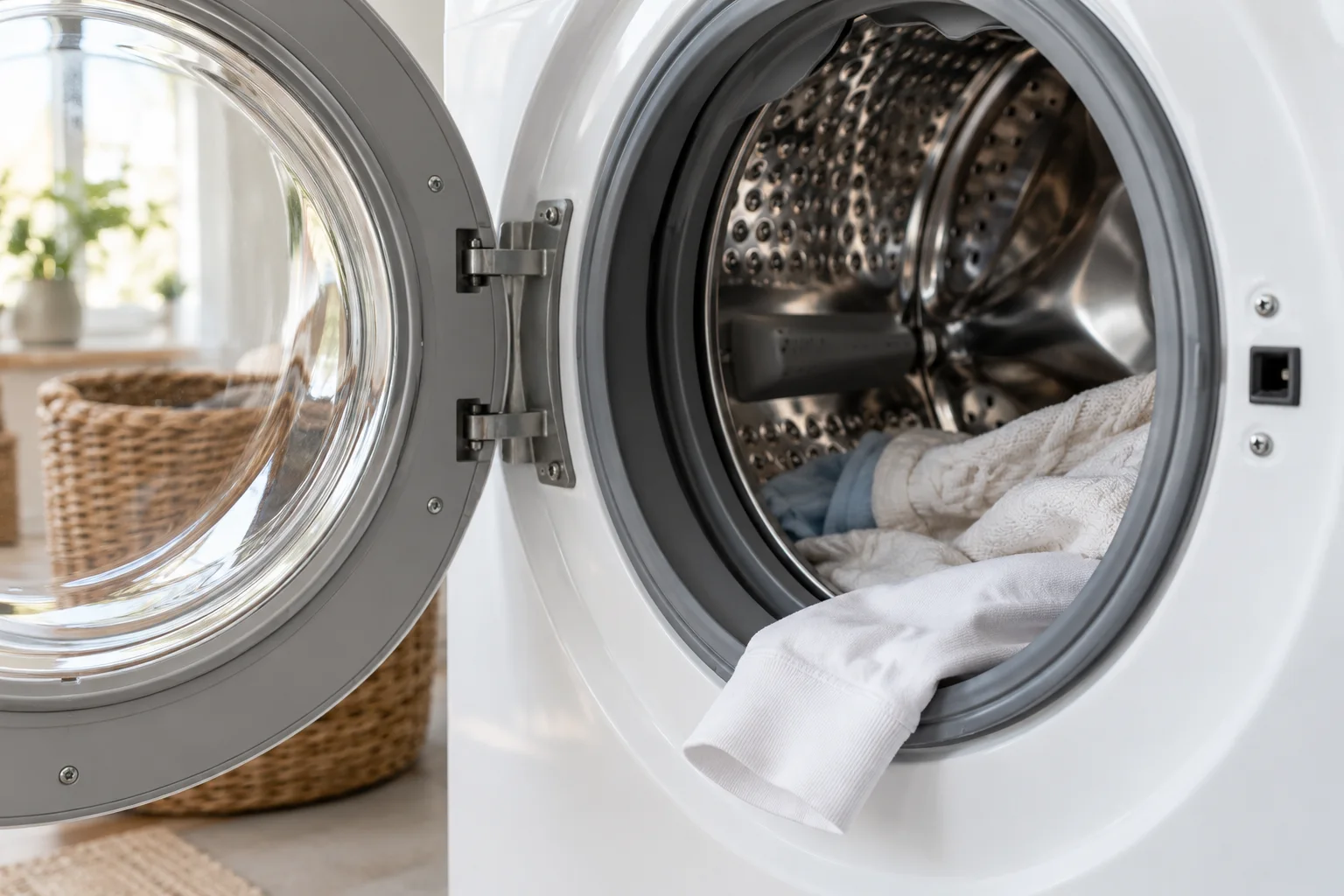
Wait until the washer has stopped and it is safe to access the opening. Look for a sleeve, towel edge or other laundry caught between the door and gasket. LG’s dE1 door-closure guidance also lists too much laundry, incomplete closure, a deformed gasket and door damage as possible reasons the door may not close. These are possibilities to inspect, not a diagnosis of your washer.
Move loose laundry away from the seal and close the door without slamming or forcing it. Do not stretch or pull on the gasket.
Work through the door opening without forcing it
Start with the simplest observation: does the door close normally when laundry is clear of the opening? If a sleeve is trapped, move the item fully into the drum rather than trying to compress it with the door. If the load pushes back against the opening, remove enough laundry to let the door close freely within the model’s loading guidance.
Look at the visible gasket and door edge without pulling, bending or dismantling them. A displaced seal or visible damage is information for service, not a reason to press harder. Stop if normal closure needs force. Repeated slamming will not distinguish an obstruction from a locking fault.
Once the door closes normally, use the appliance’s normal start procedure and note the result. A dE1 message that remains and a change to dE2 are useful details to report separately. The exact sequence gives support more information than saying that “the door still does not work.”
A restart has limits
LG’s general front-load dE page describes switching off, unplugging and holding Start/Pause for five seconds while disconnected before restoring power and trying the door. Check the instructions for your model before using that sequence. It is a control restart, not a method for defeating the lock or proving that an interlock is healthy.
If your manual specifies a different procedure, follow it. If the same warning returns with an unobstructed, normally closing door, record the attempt once and move to support. There is little useful information to gain from repeating an identical unsuccessful restart.
CL and a door that stays locked are different problems
LG Child Lock, displayed as CL, concerns the controls. Unlocking those controls does not necessarily release the door. LG’s door guidance also explains that a door can remain locked when water is hot or the water level is too high for safe opening.
Do not pull against the handle just because a cycle was paused or the buttons now respond. Wait and follow the model’s door-release instructions. If water remains with an OE warning, address the drainage problem using the correct residual-water procedure. Keeping the control setting, water condition and displayed door code separate avoids applying a reset for one problem to an entirely different one.
If the code returns, use the model’s instructions
If the opening is clear and the warning returns after normal closure, note whether dE, dE1 or dE2 appears and when it returns. Keep the model number available. Use the reset or service instructions for that exact washer; stop if they require opening the cabinet or testing the interlock.
A repeated dE2 warning can need service even when the door appears closed. Do not bypass the lock or try to operate the washer with the interlock defeated.
Separate a door warning from other codes
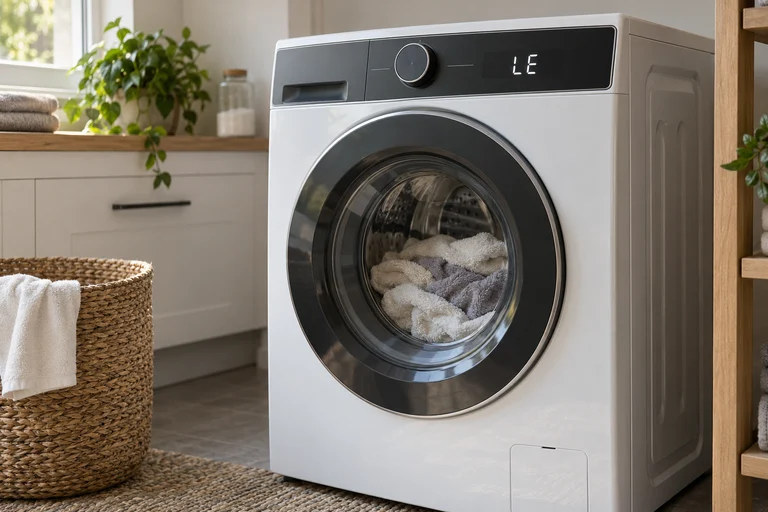
If the display reads LE rather than dE, use the separate LG LE troubleshooting. If water remains and OE is displayed, follow the LG drainage warning.
Record the full code and follow the appliance manual for the next step.
Frequently asked questions
Does dE always mean the lock is broken?
No. An obstruction or incomplete closure must be distinguished from a locking fault.
Can I slam the door to clear dE1?
Do not force it. Check for trapped laundry and visible damage, then close it normally.
Are dE1 and dE2 identical?
LG distinguishes the door conditions in its support material. Keep the complete code and confirm the definition for the exact model.
Check the original documents
Sources
- LG USA: dE/dE1/dE2
Door unable to lock; dE1 and dE2 distinctions; reset and service escalation
- LG USA: dE1 door closure checks
Door open or not fully closed; excess laundry, trapped items, gasket deformation and door damage
Sources checked on 2026-10-25. Follow the instructions for your exact model.
Compare the available guides: LG washer error codes.